


Firefish vs Ubeya
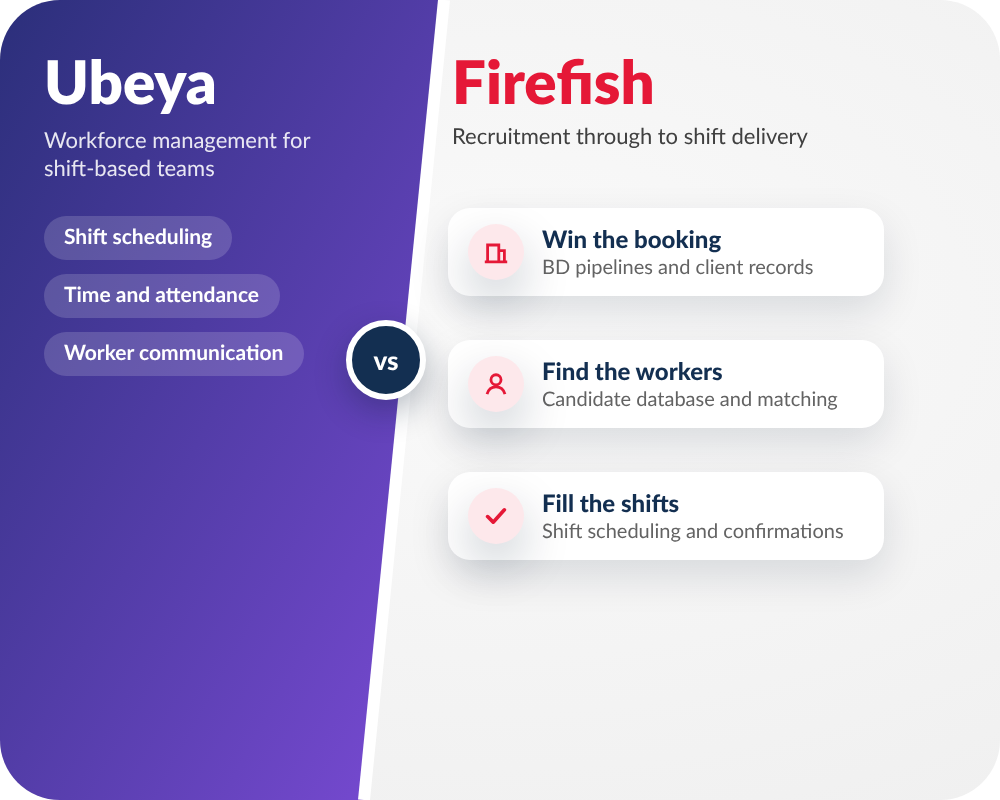
Ubeya focuses on managing shift-based workforces, with scheduling, time and attendance, and worker communication. In Firefish, recruiters connect recruitment and shift delivery: they source candidates, develop client relationships and fill requirements using the data already in the CRM. If you are choosing between a specialist workforce platform and a recruitment-led system, the difference is worth seeing in action.
Trusted by growing recruitment agencies



.png)
.png)
.png)

Why agencies choose Firefish

Recruitment through to shift delivery

BD linked to the work you deliver

Put your candidate data to work

Control UK temp rates

Compare the two approaches
| What to compare | Ubeya | Firefish |
|---|---|---|
| Primary focus | Shift-based workforce management for staffing agencies and employers, including scheduling and time and attendance. | Recruitment CRM spanning candidate attraction, BD, jobs, shifts and placements. |
| Sourcing and applicant management | A lighter ATS/client CRM, with connections to specialist ATS products. | Recruiter-led candidate database, application handling and matching connected to the job workflow. |
| Shift planning and confirmation | Worker-oriented scheduling and a native worker app, including time and attendance. | Shift scheduling, bulk upload and confirmations via SMS, email or WhatsApp; candidate responses update the booking workflow. |
| Candidate self-service | Native worker app for shifts and worker communications. | Branded candidate portal available as an optional module for availability, schedules and compliance information. |
| Rates and compliance | Workforce compliance and scheduling controls, including AWR threshold alerts and flags for potential rota-planning breaches. | Client, job and site rate cards, post-parity and overtime rates, with configurable AWR and break rules. |
| Business development | Client CRM capability alongside its workforce-management tools. | Lead pipelines, contact enrichment and email sequencing linked to the client and recruitment record, with enrichment credits available as an optional module. |
| Best question to ask | Will Ubeya cover the sourcing and BD work we need, or will we use an additional ATS/CRM? | Can our team move from finding a new requirement to filling the shift with the same candidate and client information? |

"With our old system, the CRM was the last resort. Now our recruiters are choosing to create everything within Firefish, look at the potential matches, and then jump into the existing candidates to nurture the data that we've already built up."

From a vacancy to a confirmed shift
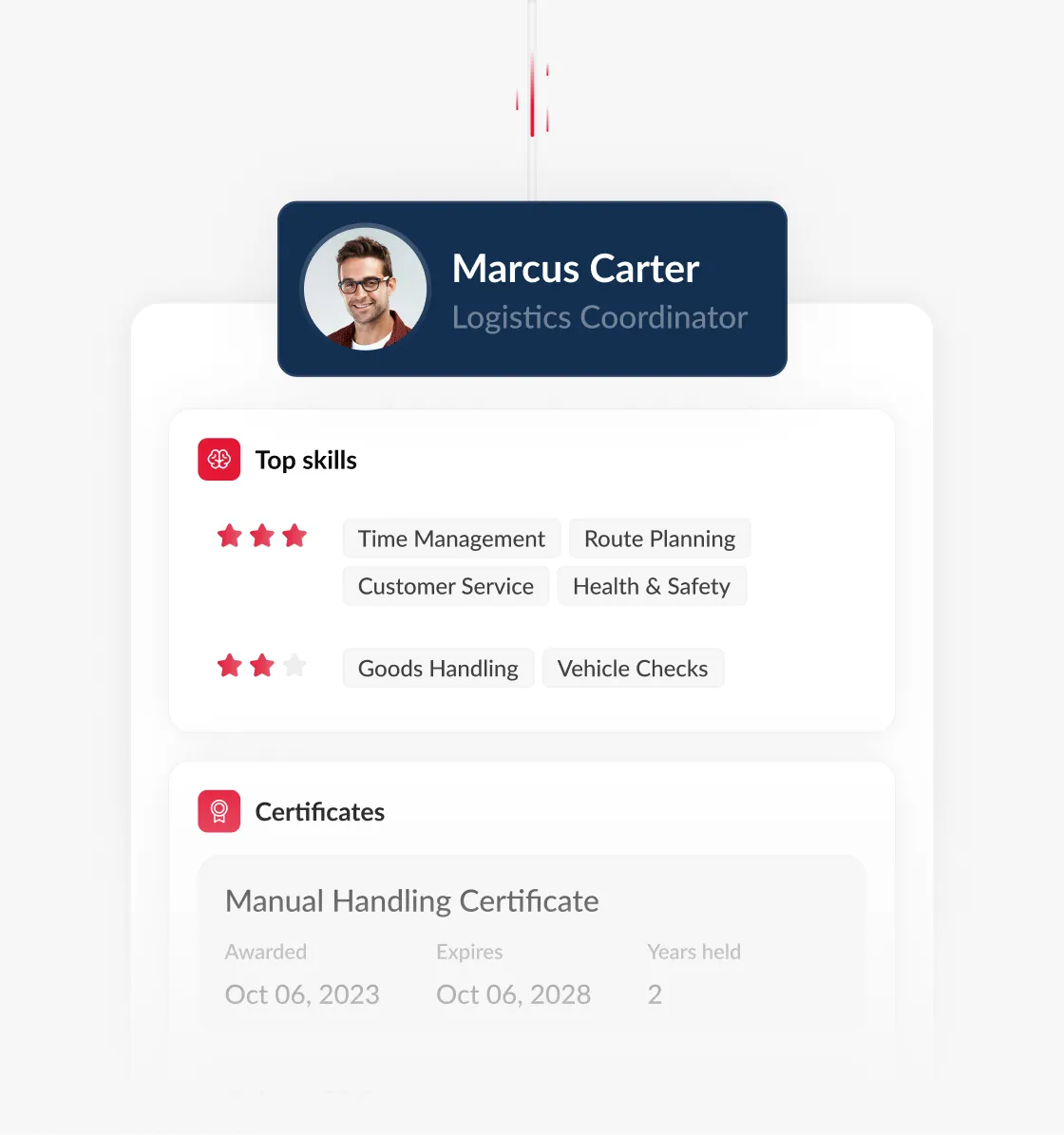
Keep rates and assignments clear
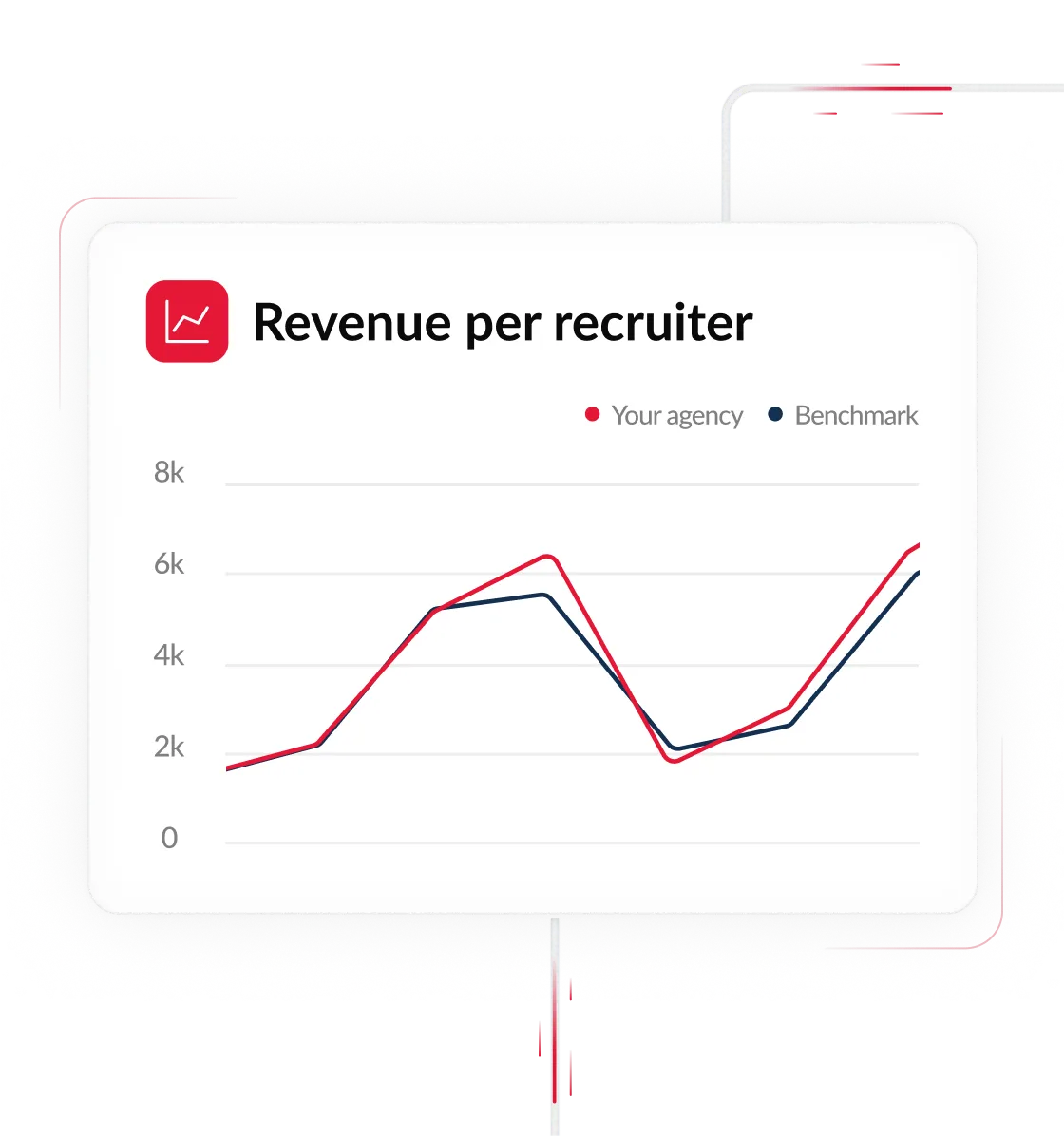
Win work before the next booking arrives
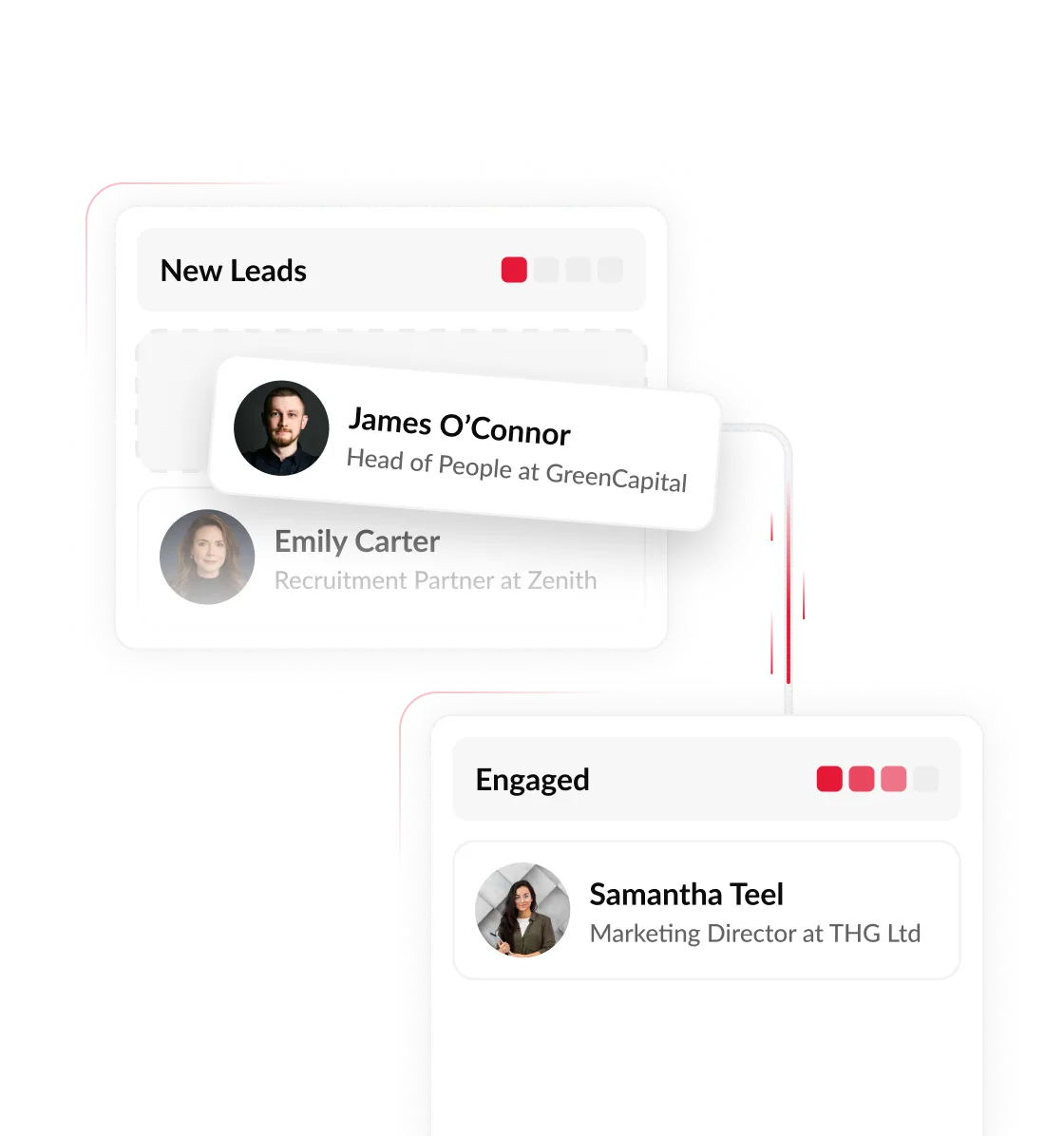
Attract candidates into the database you already use


FAQs
Ubeya is centred on scheduling and managing shift-based workforces. Firefish is centred on agency recruitment, connecting business development, sourcing, jobs, shifts and placements in a recruitment CRM.
Not necessarily. Ubeya advertises a lighter ATS and client CRM, and also integrates with specialist ATS platforms. The question is whether its recruitment functionality covers your sourcing, candidate database and BD needs.
Agencies can add a branded candidate portal as an optional module, and candidates confirm shifts digitally. This is different from Ubeya's native worker app.
In Firefish, recruiters set rates by client, job and site, with configurable rules for AWR, overtime and breaks. Software supports the process but doesn't replace your compliance responsibilities.
If you’re a corporate employer rather than an agency, already have an ATS you like and your priority is a specialist worker app, time and attendance, or high-volume shift operations, Ubeya is worth a close look.
Data migration, setup and training are scoped around your existing systems, including how live shifts, rates and candidate records are handled during the change.

See your full temp workflow in Firefish

