

AI recruitment CRM and ATS tools
Cleaner candidate data your recruiters can search, match and place from


A candidate database is most useful when recruiters trust what's in it


Four ways to keep candidate and contact data clean in Firefish

Turn CVs into searchable candidate profiles
Fill the gaps in contact details

Merge duplicate candidates into one record

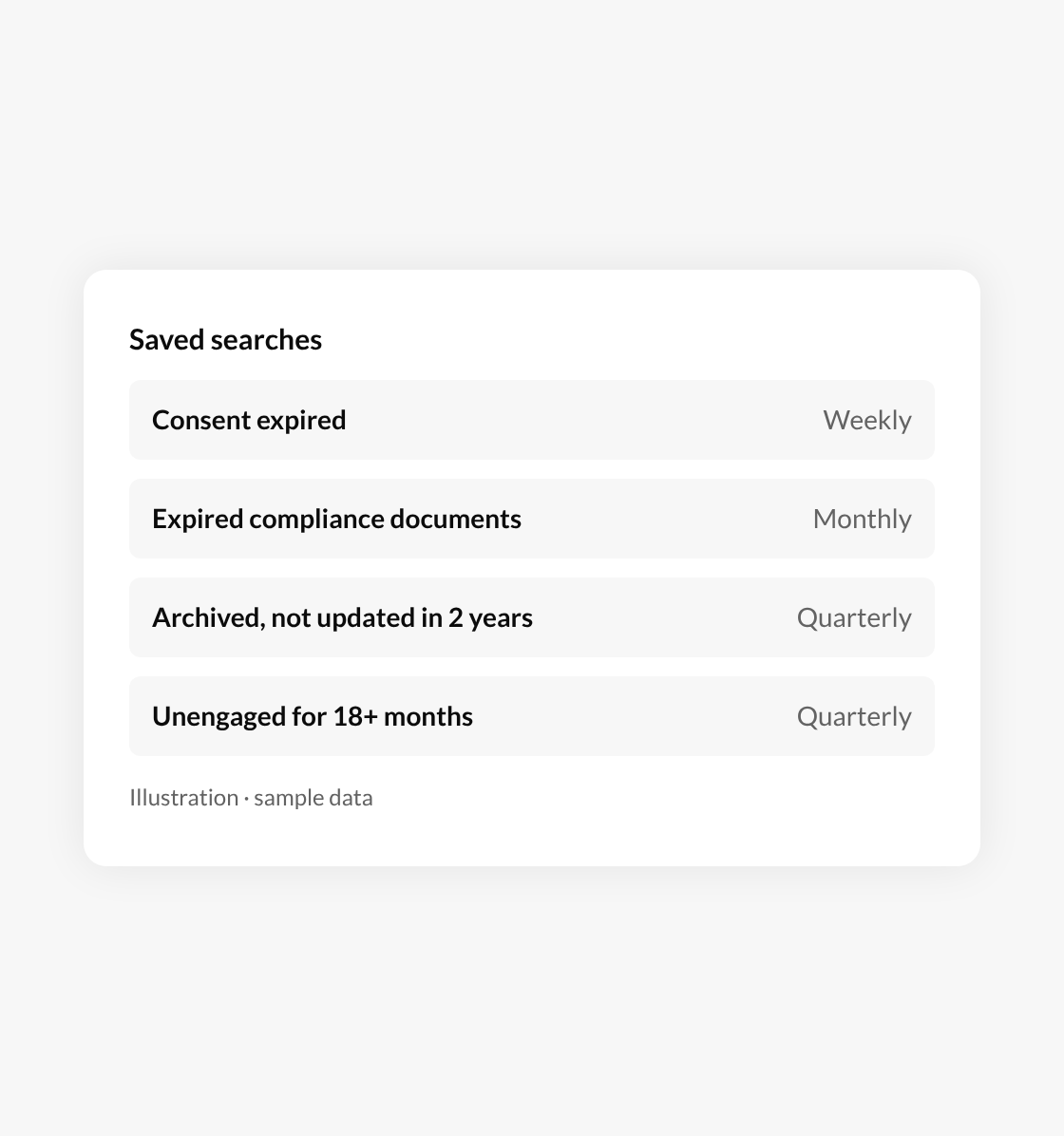
Build a cleansing routine your team can repeat
AI recruitment CRM and ATS tools in one workflow, working from cleaner records

Search and match

Outreach

Job workflows

Built for the people who own data quality in an agency

Agency leaders

Operations teams

FAQs
Candidate data cleaning is the work of keeping candidate records complete, current and free of duplicates. In Firefish, that means building profiles from CVs with AI CV parsing, updating your contacts' details with Enrich, merging duplicate records and removing records you no longer need.
Open the candidate record you want to keep, go to Tasks > Merge and enter the duplicate's name or reference number. Firefish keeps the data on your chosen record, fills its empty fields from the duplicate and brings documents across. A merge can't be undone, so check which record you're keeping first.
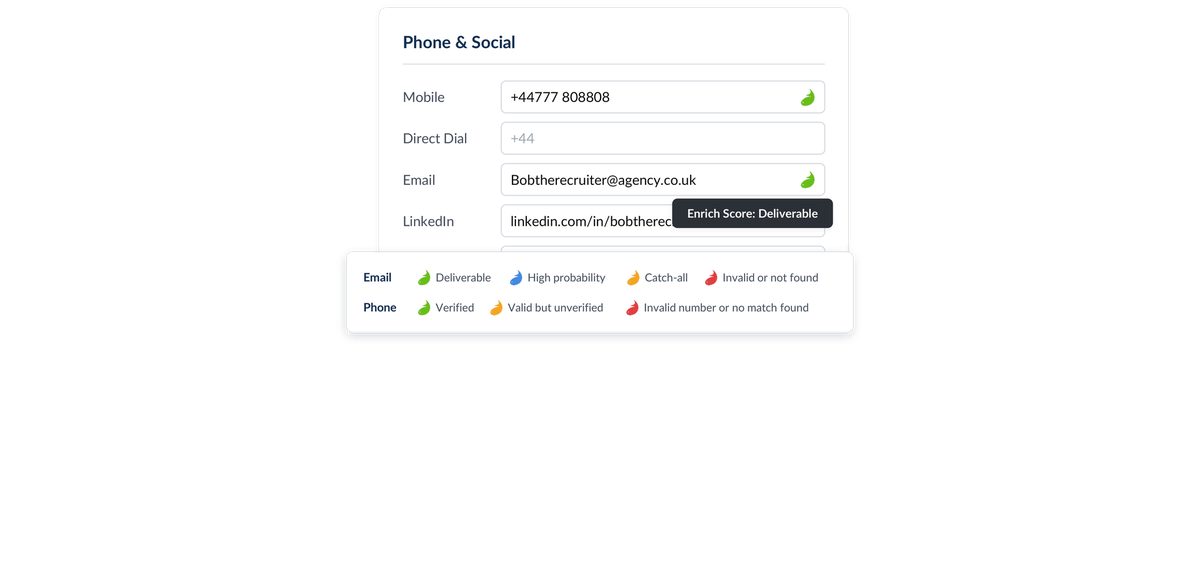
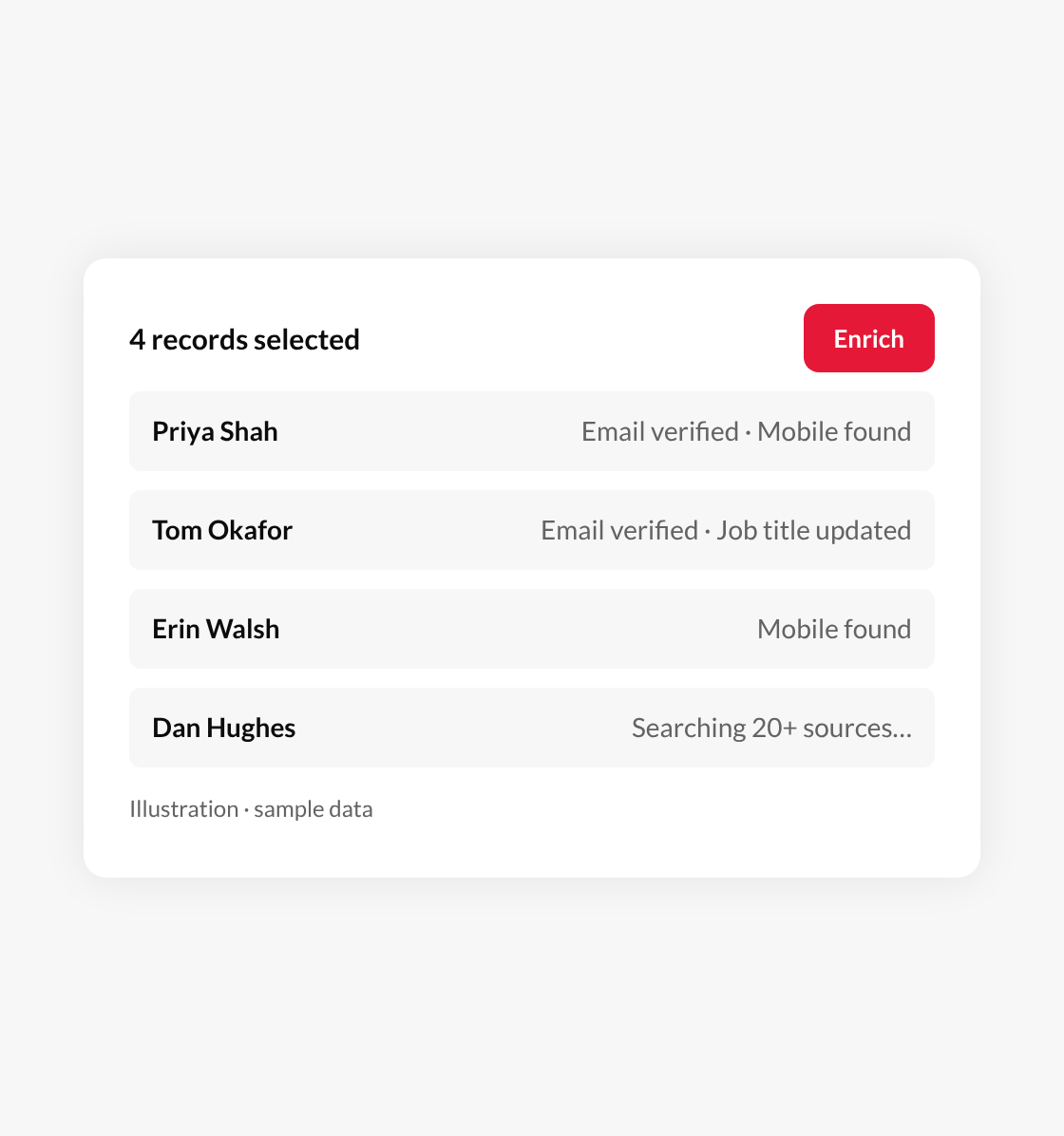
Enrich searches 20+ data sources for verified email addresses, mobile numbers and current job titles. You can run it on a single contact or in bulk, inside Firefish.
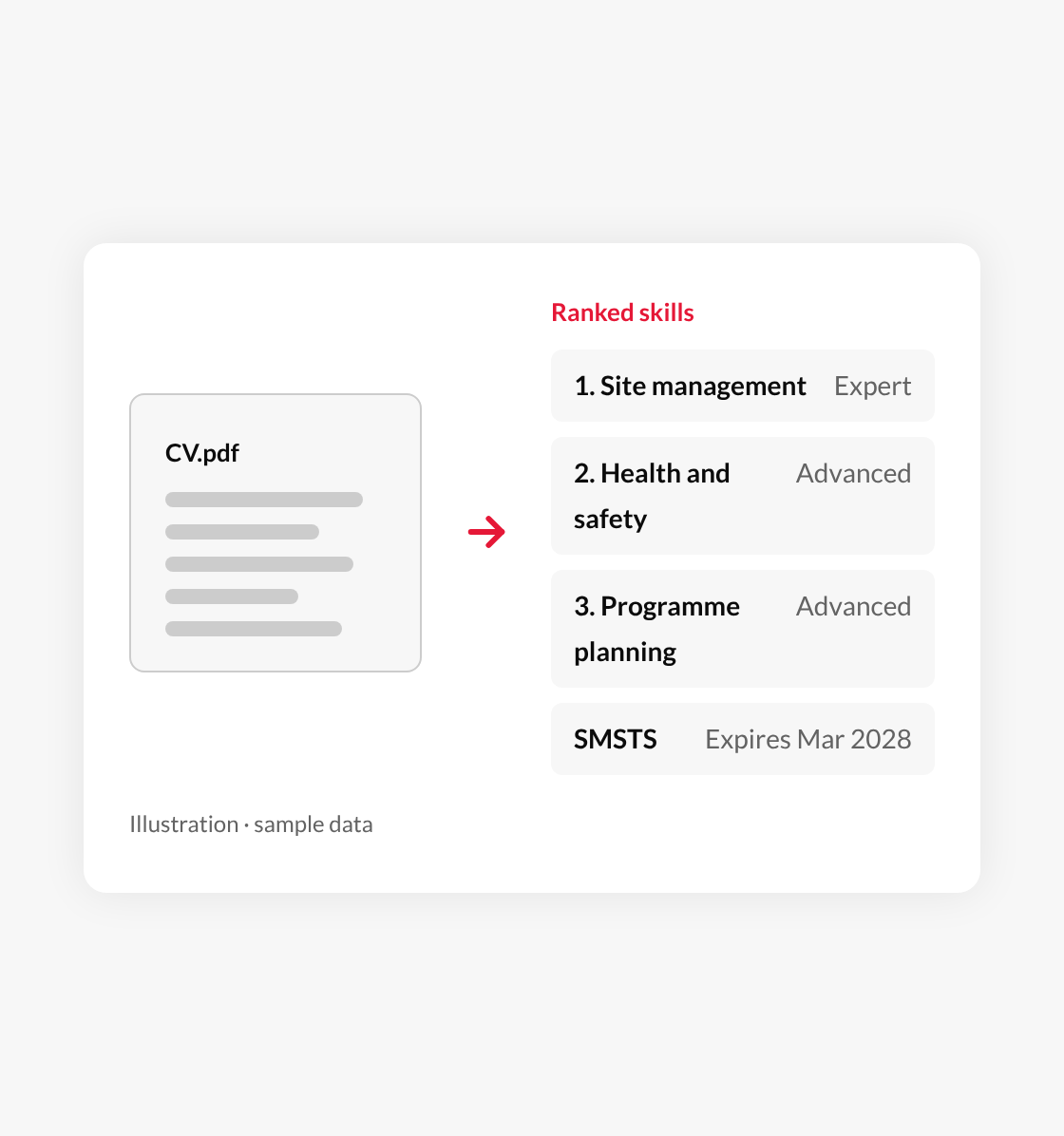
AI CV parsing captures up to 10 ranked skills per CV, a summary of each role in the candidate's employment history, and certifications with issue and expiry dates. Previous employers can be linked to company records already in your CRM.
Firefish guidance suggests reviewing consent weekly, lapsed compliance documents monthly, and archived, unengaged and long-unsubscribed candidates quarterly. Saving each search means you only need to update the dates next time.
Both. Firefish is recruitment CRM software for agencies that includes ATS job workflows for perm, contract and temp, so candidate, contact and job activity sits in one place.

See cleaner candidate data in your own workflow

